


Nearly every new Fujifilm user has experienced this letdown, the classic "expectation vs. reality" gap. You copy a creator’s settings down to the last detail: film simulation, highlights, shadows, colour and sharpness all replicated exactly. Their shots look bright, warm and immersive with that signature film aesthetic. Yours, however, turn out flat, yellowish and lifeless.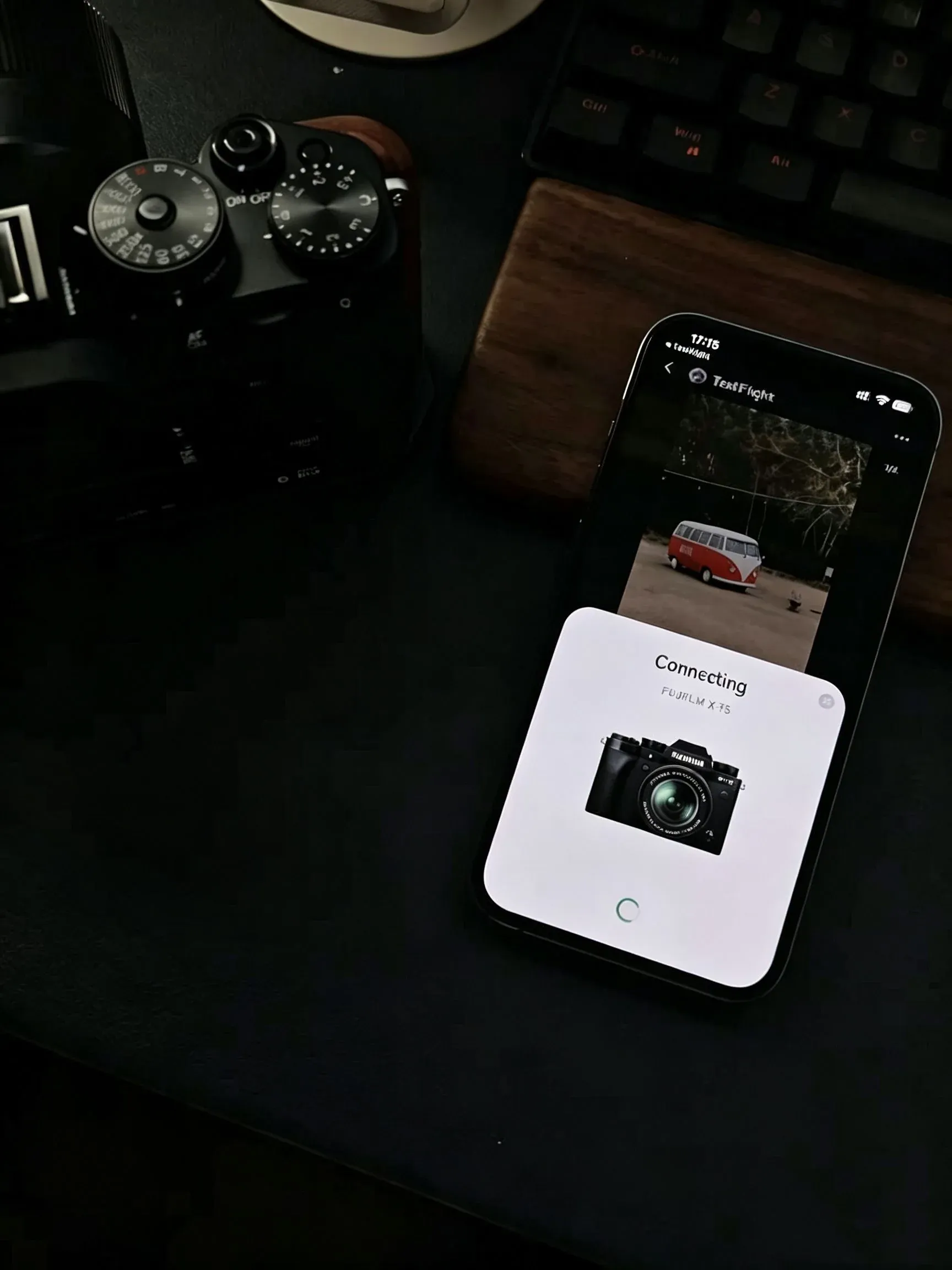
You’ll likely start second-guessing yourself: Is my lens no good? Am I just bad at composition? You might even grumble, “All that so-called Fujifilm in-camera JPEG magic is just post-processing, right?”
Don’t be so quick to doubt yourself. In truth, 90% of failed recipe attempts have nothing to do with your photography skills. You’ve simply overlooked the fundamental logic behind Fujifilm’s colour science.
Bear this in mind: No viral “perfect recipe” online is a one-click universal filter. These settings are custom-tailored to the creator’s exact lighting, scene, camera model and personal aesthetic. Take them out of that specific moment and context, blindly copy the numbers, and the results will inevitably fall flat.
To bridge this knowledge gap, I’ve broken down the key differences between the creator’s shooting environment and the conditions most amateurs test these recipes in.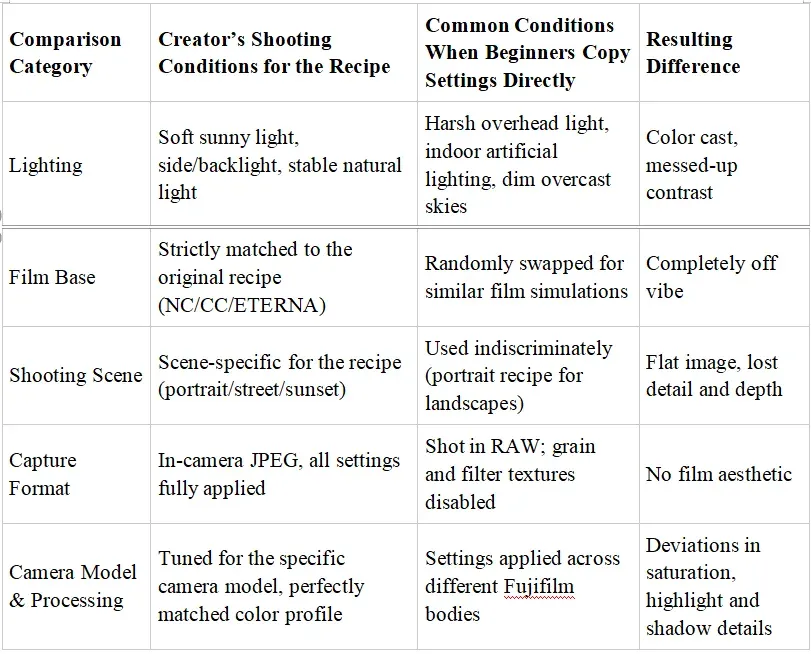
Too many people pour all their energy into tweaking those dozen cold numerical settings, yet overlook the hidden prerequisites that truly shape an image. This is exactly the root cause of that common frustration: settings copied perfectly, but final photos turn out worlds apart.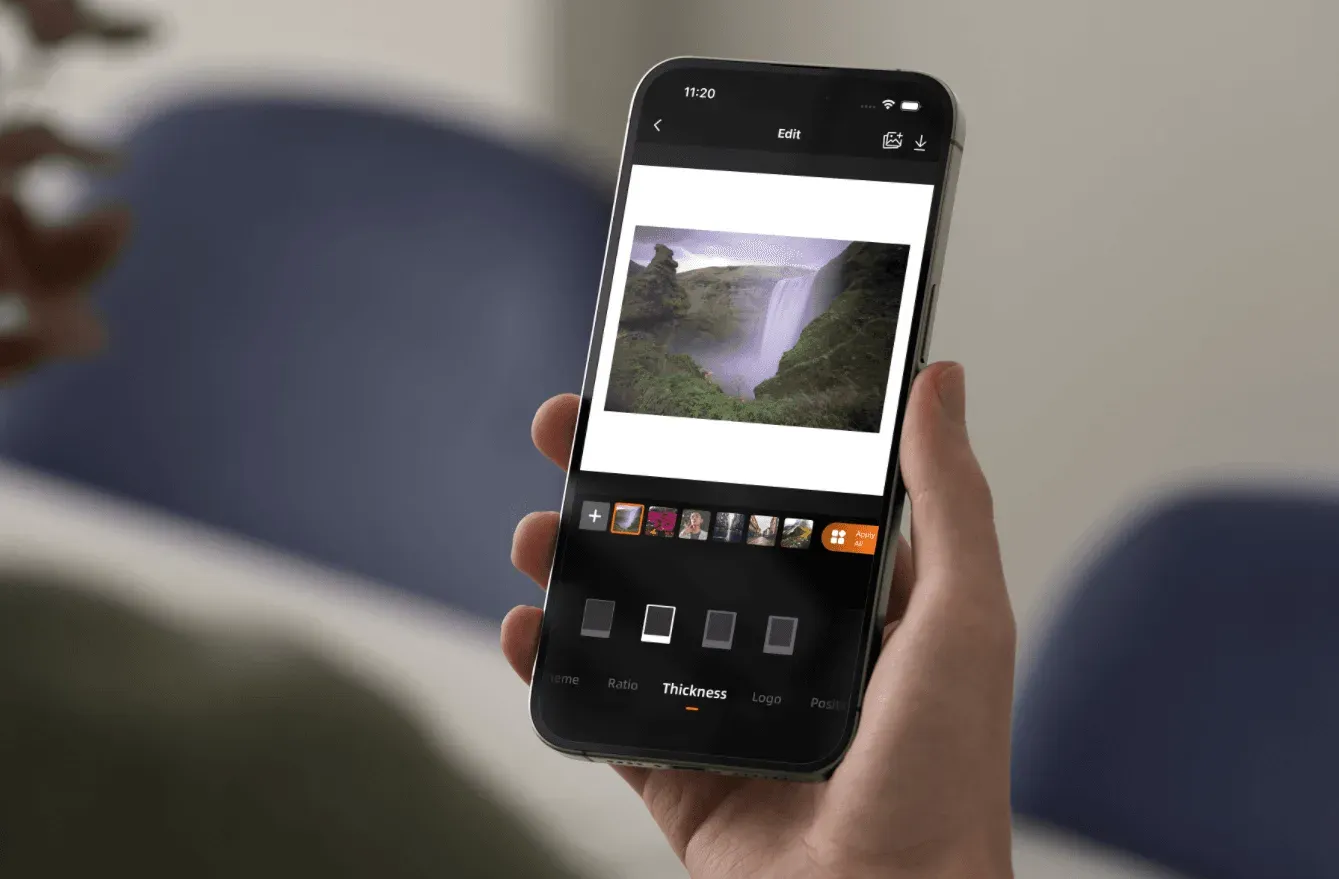
Ignoring the color base and blindly copying settings Film simulation presets — Classic Chrome (CC), Classic Neg (NC), and Eterna — form the foundation of every recipe. Each has distinct color mapping, contrast curves and dynamic range. Pick the wrong base, and no matter how precisely you tweak highlights and shadows afterward, the mood of your shot will be completely off. On top of that, Fujifilm’s sensor generations (X-Trans IV vs X-Trans V) have subtle differences in color processing. This means recipes rarely replicate perfectly when used across different camera bodies.
❗Myth #1: Ignoring the color base and blindly copying settings
Film simulation presets — Classic Chrome (CC), Classic Neg (NC), and Eterna — form the foundation of every recipe. Each has distinct color mapping, contrast curves and dynamic range. Pick the wrong base, and no matter how precisely you tweak highlights and shadows afterward, the mood of your shot will be completely off. On top of that, Fujifilm’s sensor generations (X-Trans IV vs X-Trans V) have subtle differences in color processing. This means recipes rarely replicate perfectly when used across different camera bodies.
❗Myth #2: Overlooking light, the invisible core setting
Every viral recipe is crafted within a specific lighting environment. It was made for crisp clear-sky daylight, soft backlight, or the cool tones of an overcast day. If you try to use a “summer sunshine” recipe in a dim indoor room, or a “neon night” preset for midday street shots, the settings simply will not work. Creators rarely highlight the lighting conditions in their tutorials, yet this is what truly defines color texture.
❗Myth #3: Falling for hidden pitfalls in in-camera settings
Many new shooters spend a full day taking photos excitedly, only to find their shots look uninspiring when reviewing them. Chances are you’re relying too heavily on RAW format — it strips away all in-camera processing that creates film texture, including grain and Color Chrome effects. What’s more, if you leave distracting features like Natural Live View enabled, the preview you see on your screen will not match the final in-camera JPEG at all. It may seem like you copied every setting correctly, but your camera never fully applies the intended colour profile.
❗ Myth #4: Treating custom-tailored presets as universal templates
Online recipes often include personal tweaks made by creators based on their exposure habits (such as exposing to the right) and the unique characteristics of their lenses. Copying every setting wholesale forces your camera to follow someone else’s shooting logic, instead of responding to the actual scene in front of you.
Skilled Fujifilm users never blindly copy numbers. They borrow the core idea and adapt it for their own use.
If you want to break free from the “copy recipe, get bad results” cycle and truly master Fujifilm’s colour magic, you have to stop mindless trial and error.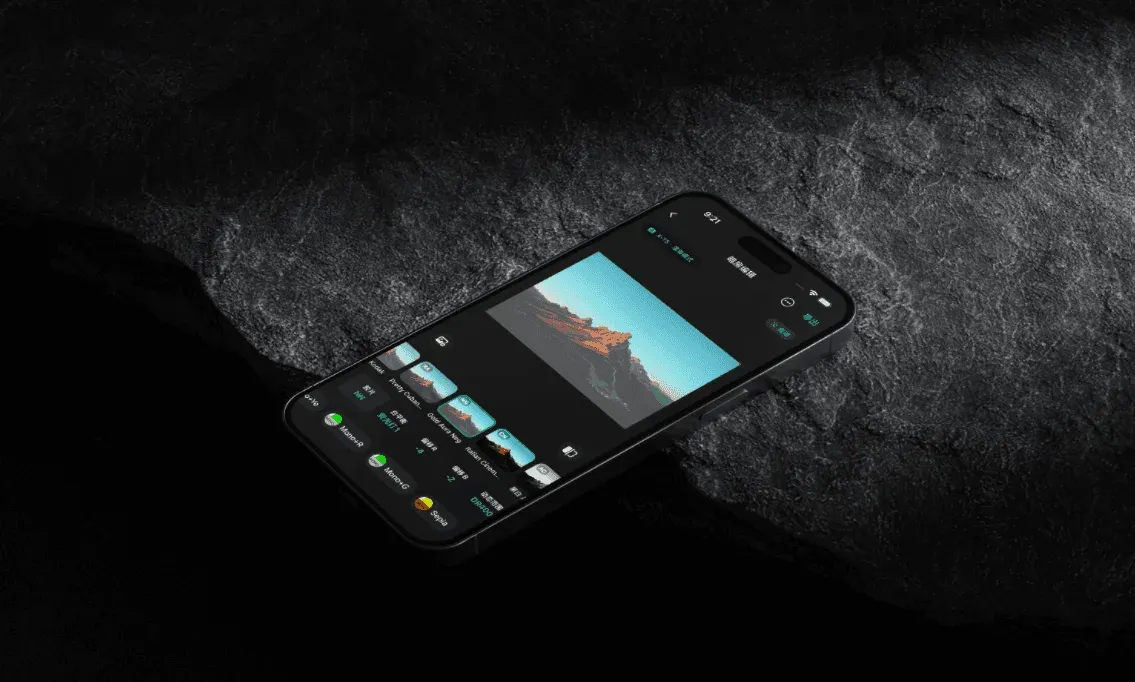
📷This is exactly why FUJISTYLE exists.
Here, recipes are no longer cold numerical mystery boxes. Every colour profile is clearly broken down: its foundational logic, suitable shooting scenarios, native compatible camera models and lighting requirements. You can use these refined settings as a solid starting point. Import them with one click, then calmly fine-tune according to your shooting conditions in the moment.
🤔Over time, you’ll realize:
Fujifilm’s stunning in-camera JPEG look never comes from blind trend-chasing, nor pure luck. It is built on reproducible, tangible and practical colour logic. Once you grasp the principles and match them to the right scene, every shutter press will capture clean, luminous photos with a sophisticated, uniquely yours film aesthetic.
If you have any questions or suggestions, please contact us.
mail: fujistyleinfo@163.com
ins: fujistyle_app
Thank you for your understanding and support.